Experimenting with AI Image Creation?
1July 14, 2023 by Dr. Robbie Barber
Week 6 of #8WeeksofSummer asks: What LLM or AI Imaging tool prompts have you used, researched, or plan to use?
In last week’s post, Images with AI?, I suggested several sites that we are already familiar with like Bing, Canva, and Google. I will probably create an account on DALL E2 (which is from OpenAI, the creators of ChatGPT) to see what that works like. Zapier provided a short list of the best AI image generators if you need more.
In the classroom, I am less interested in prompts and more interested in having my high school students experiment with this program. I would ask students to describe an image they want, as specifically as they can in a few sentences. Then I would ask them to try to get that image with an AI generator.
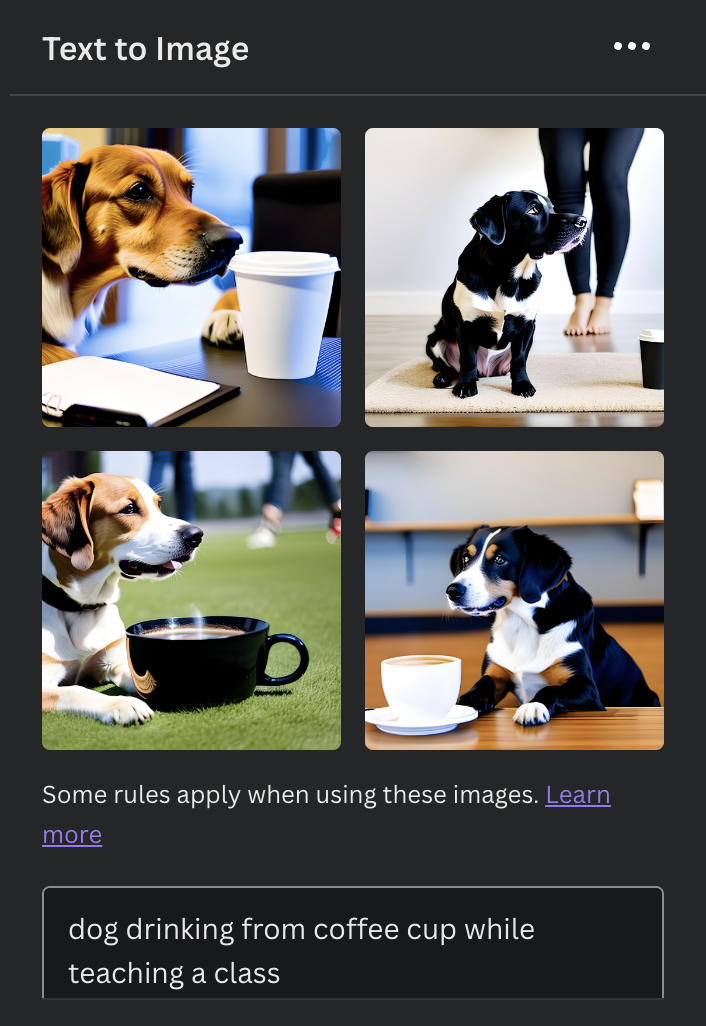
Let’s look at how it works with Canva AI Generator. I envision an image of a dog, sitting in a classroom drinking coffee with a teacher, maybe explaining something to the class. I see the dog drinking coffee, not just holding a cup in its paw.
I typed in a phrase and it tries to create the image. I started with the phrase “dog drinking coffee in a classroom” and got:
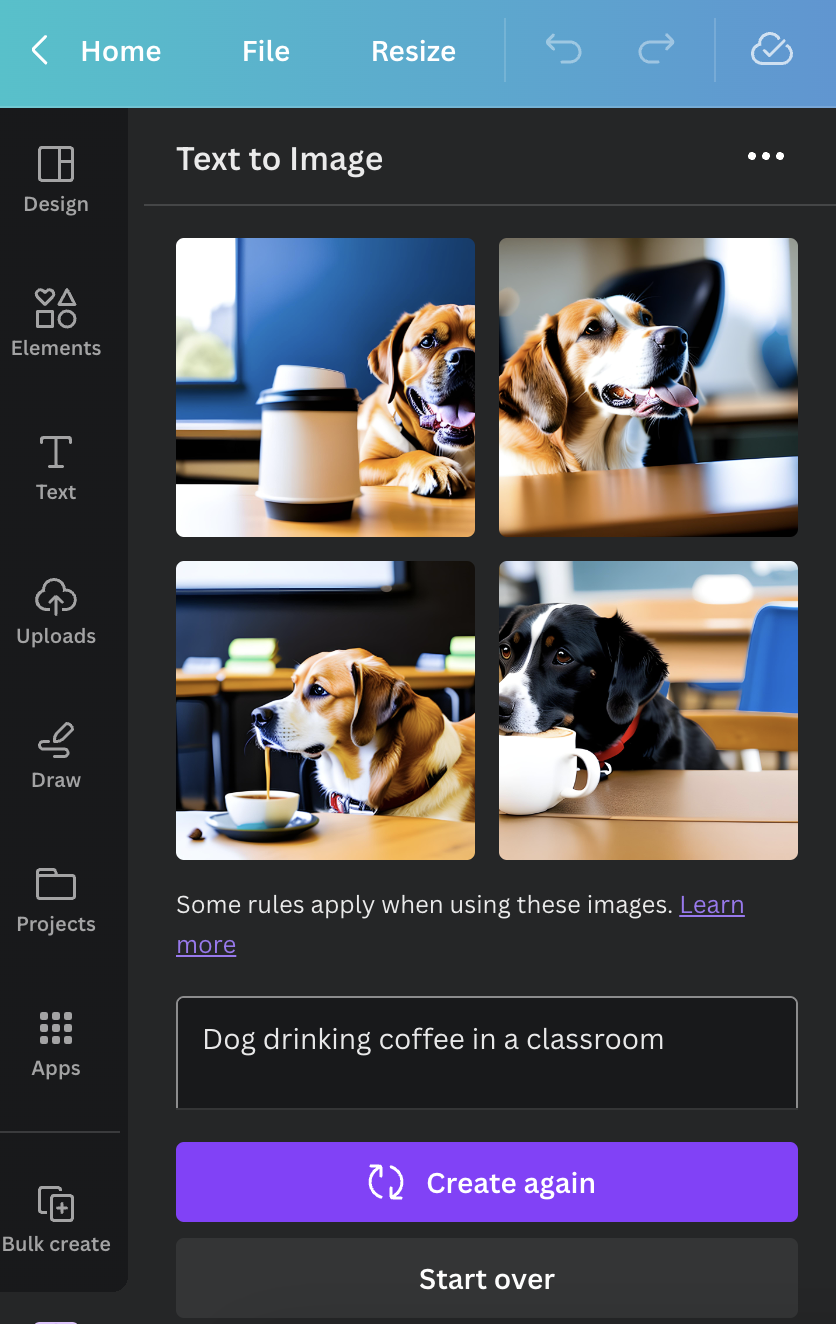
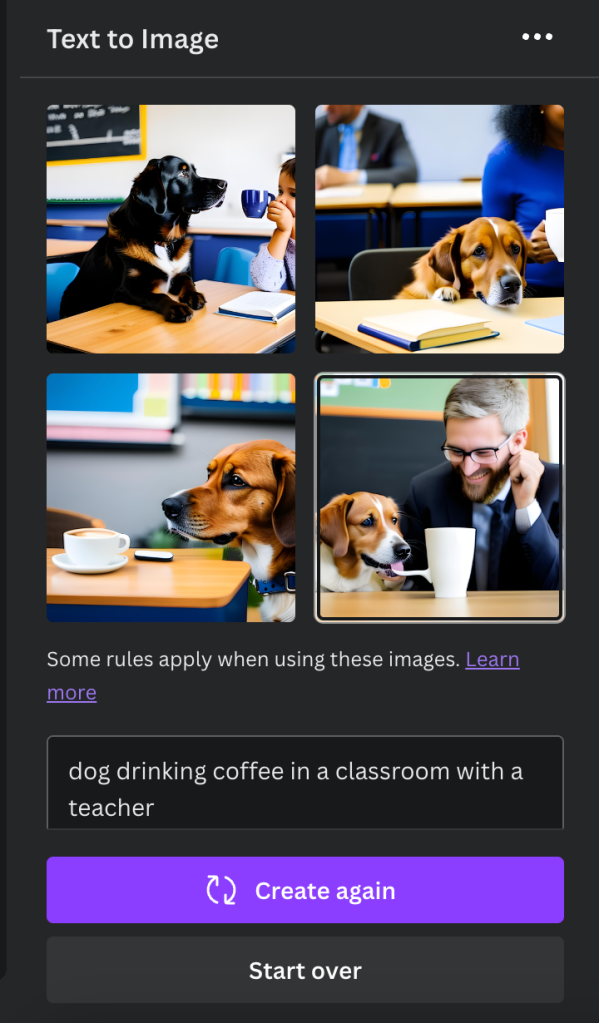
I modified the search to “dog drinking coffee in the classroom with a teacher” and hit “Create again”
Notice that only one image has a person’s face in it. At least two of the images could be the dog as a teacher.

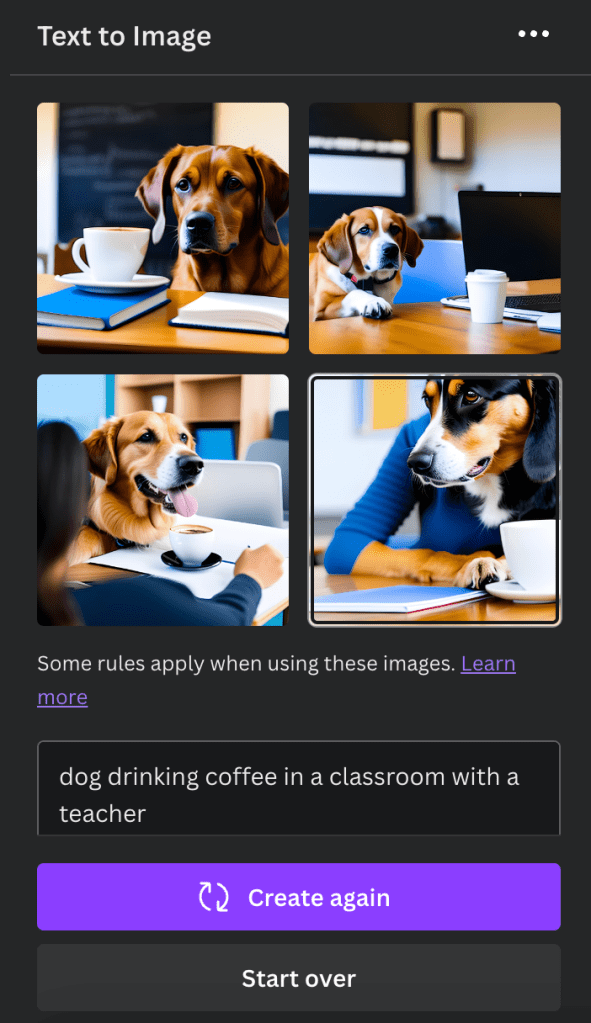
I hit “Start Over” and typed “dog drinking coffee in a classroom with a teacher.” This time, I have a person in three of the images. Does starting over bring different images? Let’s see.
Yes! Apparently, every time you hit Create again or Start over, it grabs different images. This one has two pictures that include teachers and two that look like the dog is the teacher.
What have we discovered from this little experiment? One, every time I put the same search in, I will get different responses. Similar, but different. Two, if I wanted it to look like the dog was actually holding a cup of coffee or drinking from it, I would have to state that. Three, I could easily spend hours going down this rabbit hole chasing the elusive image I sort of have in my mind.
Maybe I need to get the image in my head by doing this the old-fashioned way. I just take a creation program like Canva, Adobe Spark, PowerPoint, or Slides, grab various images and put them together the way I want. Still, it’s fun to see what an AI might create with the same phrase, over and over.
Important note: Don’t ignore the links to “terms” or “learn more” with any of the products. You are implicitly agreeing to something by using the product. It’s best to know what it is. Under each set of images, there is a line “Some rules apply when using these images. Learn more.”
Here’s a partial list of the rules from Canva. The red highlight is mine.
Remember, you don’t enjoy being tricked. Don’t do it to others.

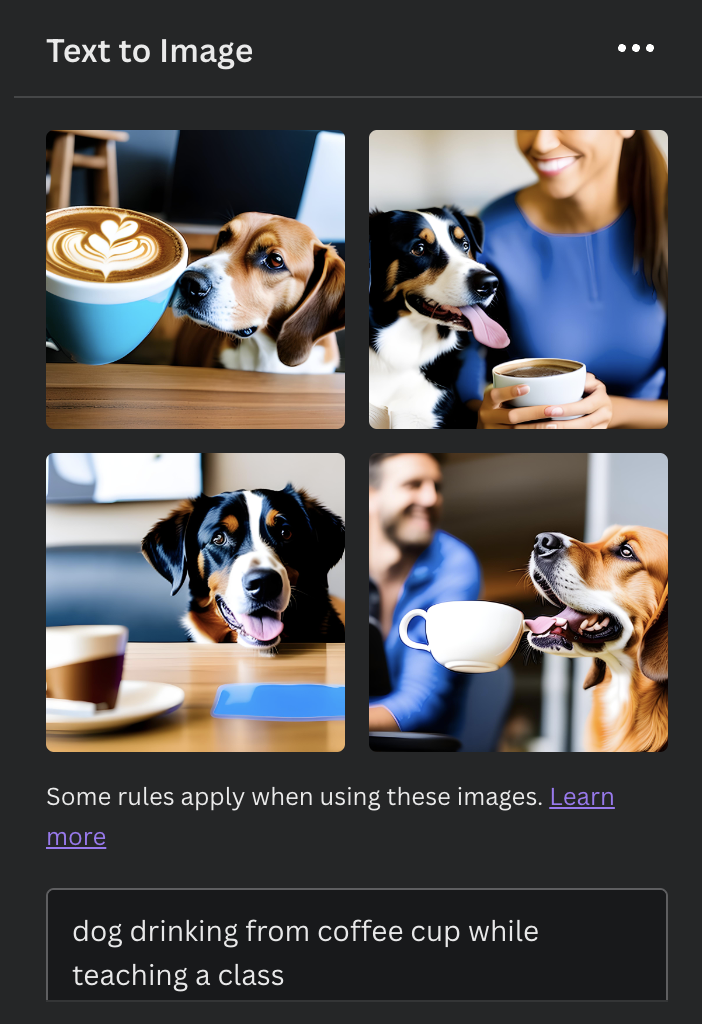
Back to the rabbit hole…do you like the dog with the really long tongue?



 Tickling Tech
[…] Week 6: Experimenting with AI Image Creation? […]
LikeLike