Guiding Students in Using AI
1June 25, 2024 by Dr. Robbie Barber
It is conference week for me! I am attending and presenting at both ISTELive 2024 and ALA Conference 2024. I am trying out, researching, and reporting on AI as much as possible. I need to be armed and ready for the start of school. I will start with a reminder that nothing is free on the internet. You need to decide what you are willing to pay to have access to some tools. (Note: this blog is in response to Week 3 of #8WeeksofSummer with the question: What would your instructional approach be to pairing age-appropriate AI tools with the grade level(s) you are most familiar with? What support would younger or older students require?)
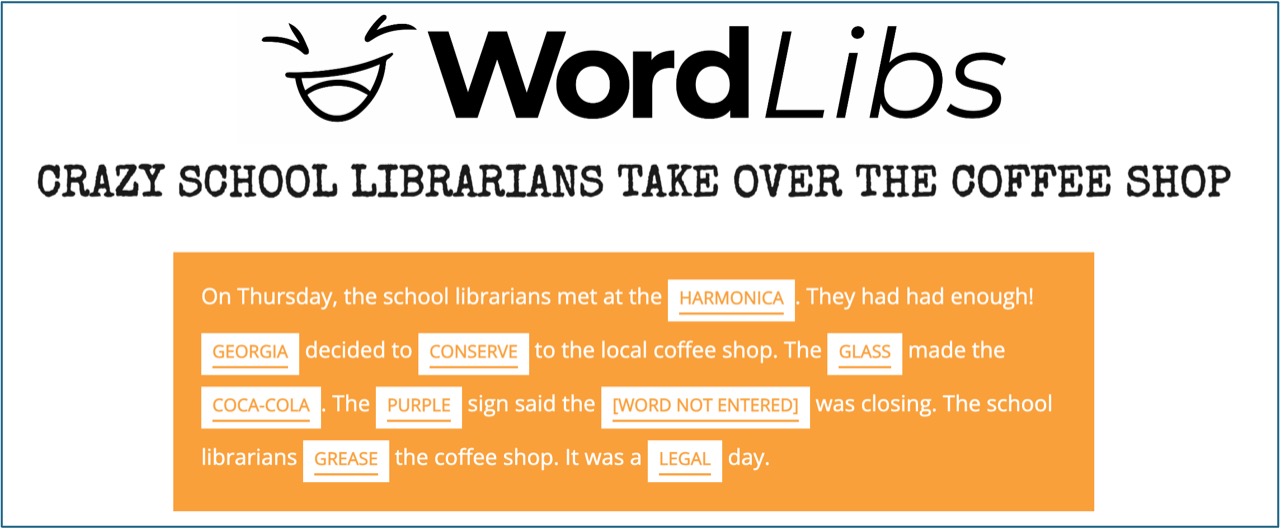
I fondly remember doing MadLibs as a child and continuing it with my children. I played with Ai Mad Lib Generator (aiadlibs.com) which does not require you to sign in. While AI will take all the information it can from any user (IP address, location, etc.), my first concern is protecting my students, at any age. I decided to look up who owns AiAdlibs.com and review their privacy policy. The owner has the “whois” information search locked down so you cannot see who actually owns it. The website itself has no information. Do you want your students to use software that you cannot see who owns, how they collect information, or what they do with your information? Remember, everything has a price.
The Word Finder has a MadLibs-type online game and it explains its data collection and your rights in its privacy policy. It also has other word games. It is not AI-generated, but does that really matter? AI is not everything, it is instead another tool.
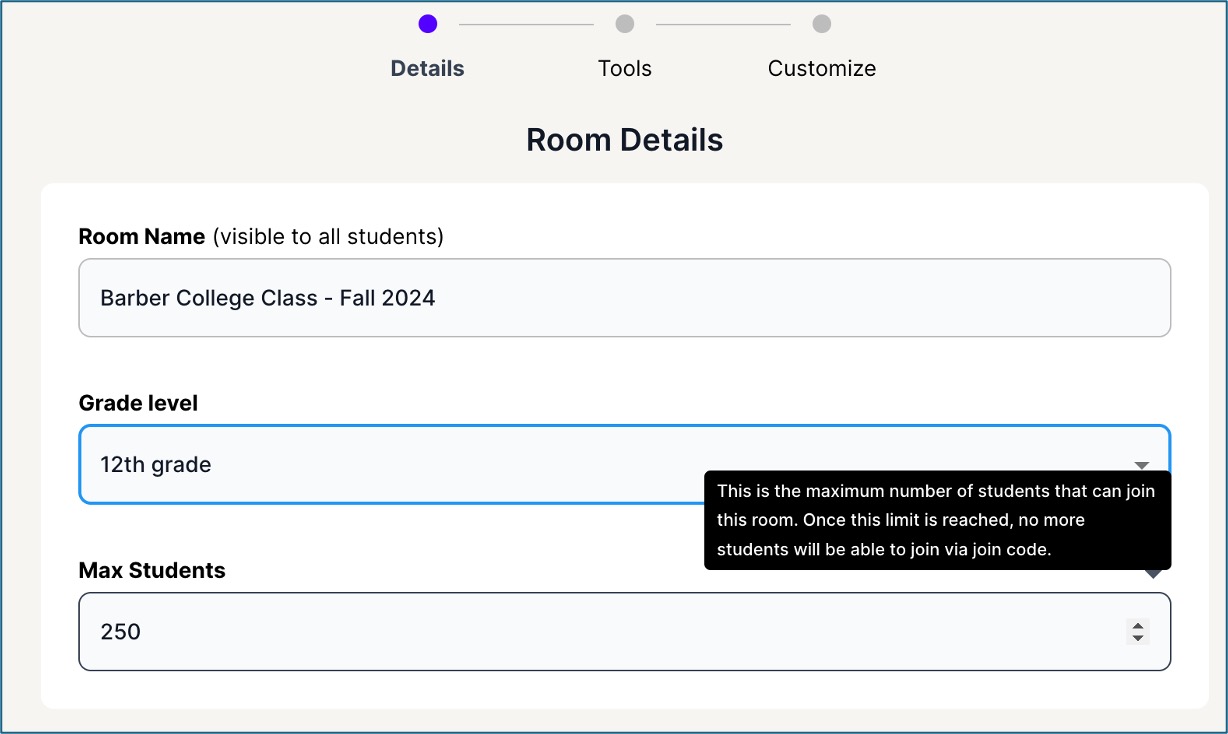
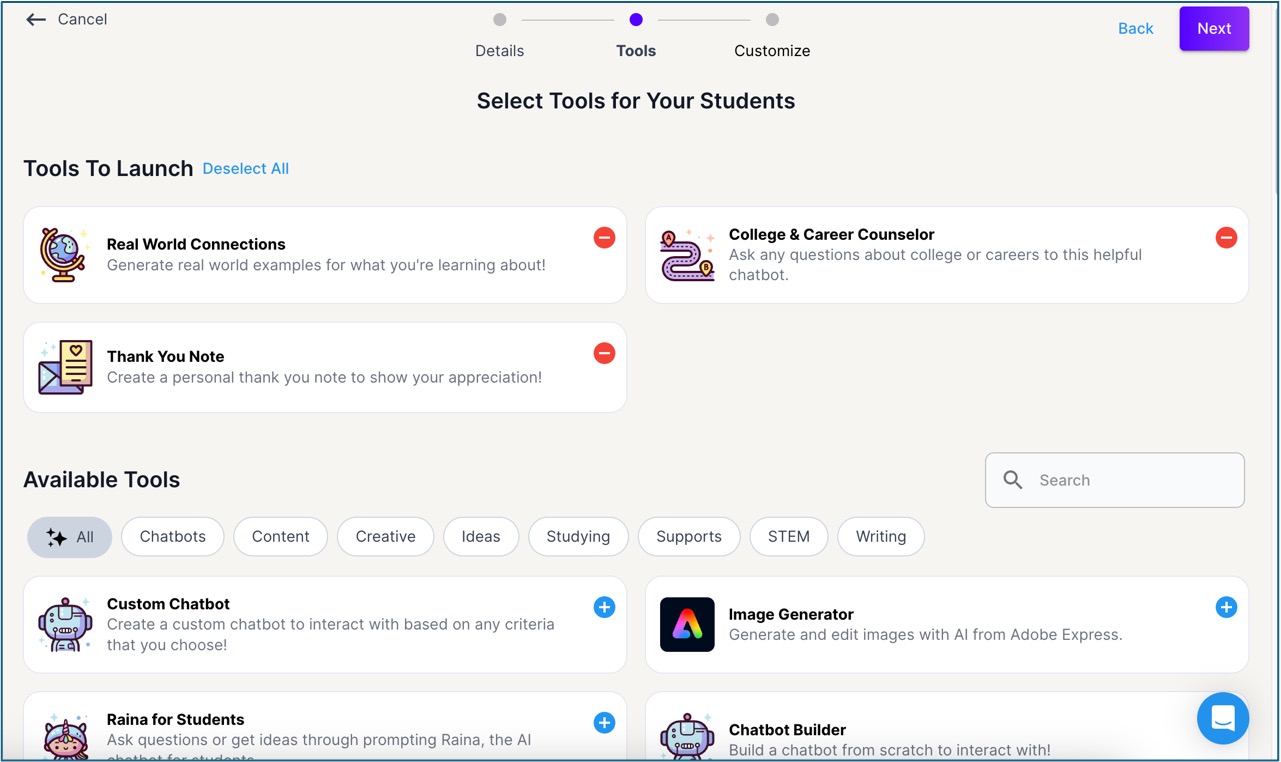
MagicSchool.AI has launched MagicSchool for Students. The creators made a YouTube video showing how Magic Student works. Essentially, I will sign in with the school’s Google account. I can set up a class with certain AI modules from MagicSchool and then give the URL for the class to students. The students do not do a full sign-in – just put in a name – and they can access the specific modules the teacher assigned. I created a class for my seniors who are still trying to decide what college to apply to. I added 3 tools to the classroom to help the students. One was the College & Career Counselor, another was the Thank You Note writer and the last was the Real World Connections so that students could play with their coursework and find examples for their college essays. I did not include any other writing helpers though I could have. Part of that is because I am worried that students will just turn in AI-written essays and the colleges will just say “No.”
When a student signs in the first time (I put the name “Georgia”), you get the following message:

All of this is true. I do like that their third item reminds students that AI takes practice. It really does.
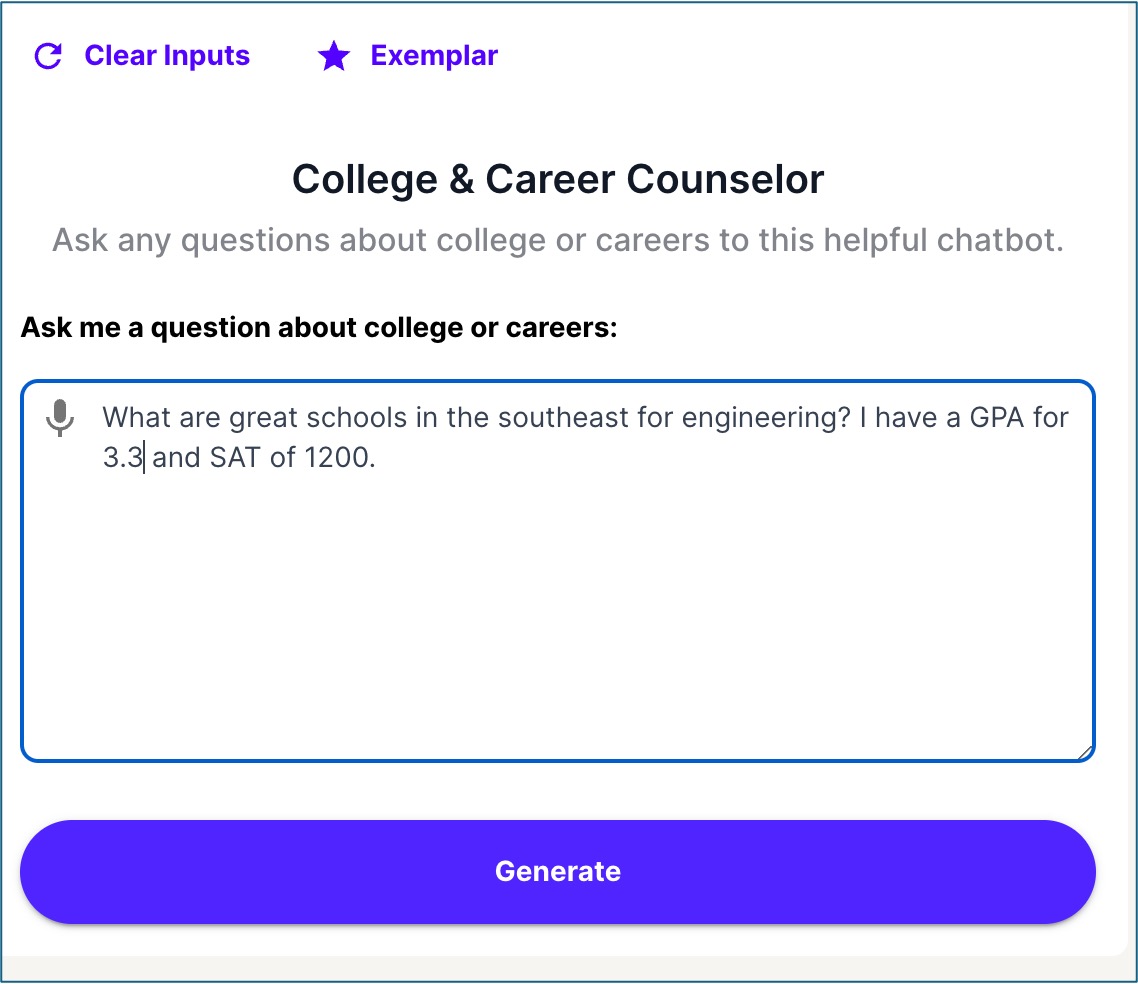
I put in the search “What are great schools in the southeast for engineering? I have a GPA for 3.3 and SAT or 1200.” (Note: There are non-deliberate typos that I did not correct.) It made a list of engineering schools in the Southeast in seconds.

As a proud graduate of Georgia Tech, I would have been very disappointed if the number one option was anything but Georgia Tech! Whew!
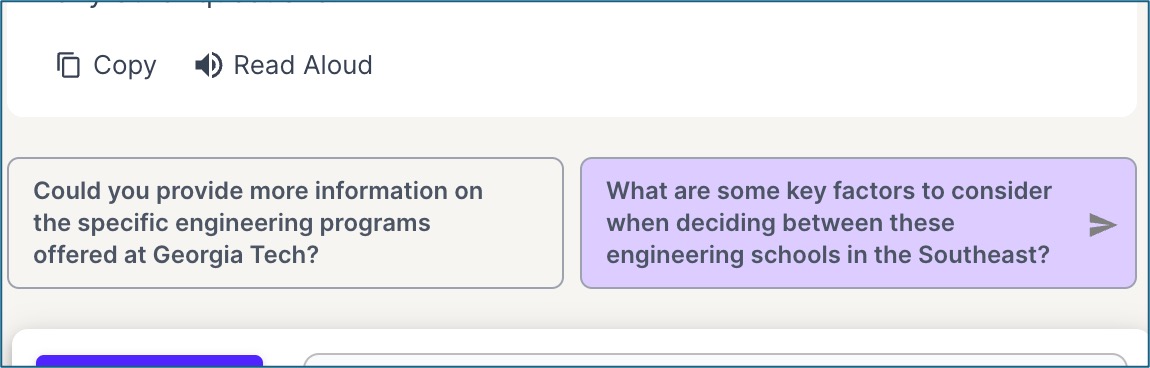
At the bottom, there are more prompts to help you continue. It is your choice to click or not.

Back in the Teacher’s view, I can see everything a student does. I can see their searches, the responses, the follow-ups. I can Pause or Lock a student or Remove them from the Room.
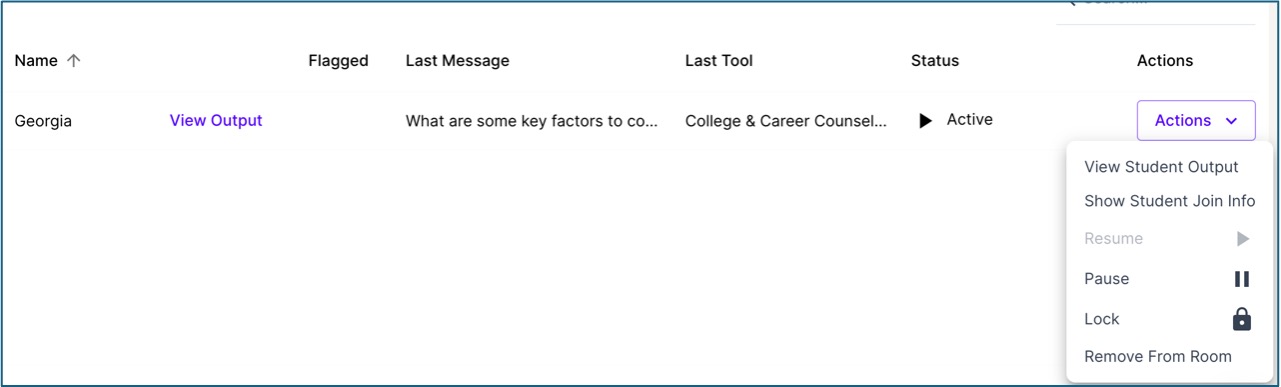
I can add a co-teacher. If I move forward with this room in the Fall, I intend to invite the head school counselor to be a co-teacher.
What will you do with your students and AI?
 Tickling Tech
[…] to Use AI AI Policy Considerations in a School Library? Accessibility with AI Guiding Students in Using AI Using AI To Create Assignments Teaching That AI Is Biased AI Is […]
LikeLike